What is document comparison software in regulatory affairs?
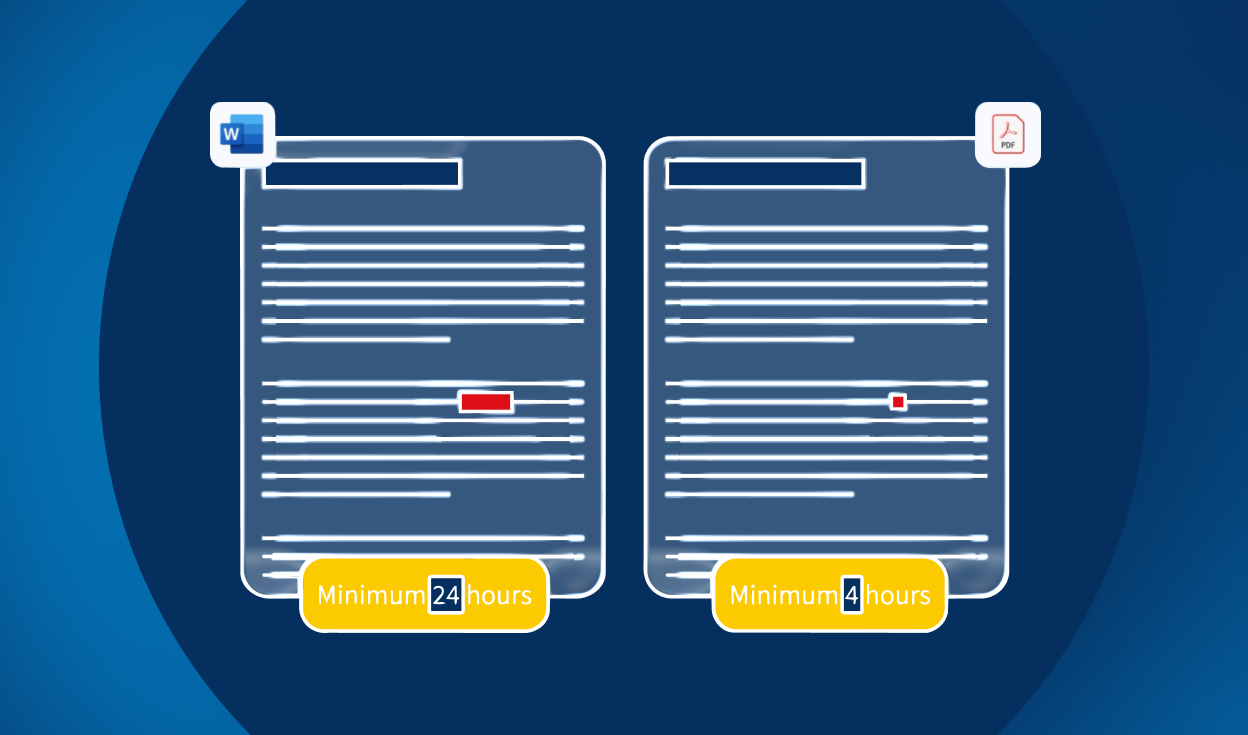


Table of contents

The stakes are higher than you think
In most industries, a proofreading error means embarrassment. In regulatory affairs, it can mean a product recall, a compliance failure, or — at worst — a patient harmed by incorrect dosage instructions. A misplaced dash that turns “1–2 times a day” into “12 times a day”. A duplicated word that makes “Do not chew” read as “Do not not chew.” These are not hypothetical edge cases. They are the kinds of deviations that slip through manual review every day.
Despite this, manual proofreading remains widely used across the life sciences industry. Two professionals sit side by side, one reading aloud, the other marking errors — an approach unchanged for decades, expensive, inconsistent, and surprisingly fallible.
This is where document comparison software becomes essential.
What is document comparison software?
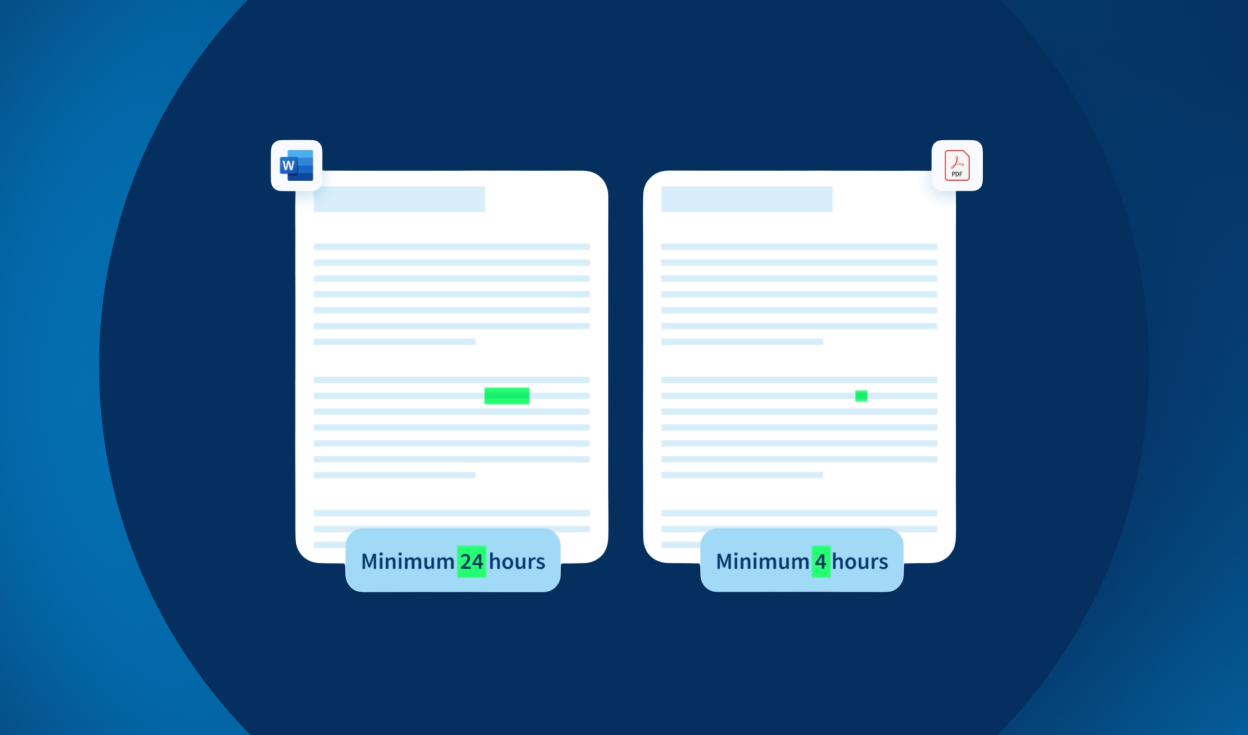
Document comparison software is a validation tool that automatically detects deviations between two digital files — regardless of format or layout. Rather than relying on human reviewers to catch every discrepancy, the software performs a character-level inspection across text, numbers, symbols, graphics, and barcodes in seconds.
What it does:
- Compares files across formats (Word to PDF, XML to artwork, source to print-ready output)
- Detects deviations in text, numbers, layout, fonts, symbols, and barcodes
- Flags potential errors for human review and decision
- Generates a complete, audit-ready trail for regulatory compliance
Why “proofreading” means something different in regulated industries
When most people hear “proofreading,” they think grammar, spelling, and punctuation. In regulatory affairs, proofreading is a quality control function with direct patient safety implications.
Regulatory proofreading covers:
- Dosage and dosing instructions (e.g., 1 mg vs. 10 mg)
- Instructions for use and directions (e.g., “1–2 times” vs. “12 times”)
- Company logos, graphics, and layout compliance
- Barcodes (including country-specific health authority codes)
- Multilingual content consistency
- Font size, style, and format compliance with local regulatory specifications
- Version-to-version consistency across the full product lifecycle
A CAPA (corrective and preventative action), a market recall, or a patient safety incident can all trace back to a single missed deviation. This is not the territory of standard spelling checkers.
Where document comparison software fits in the labeling workflow
Understanding where errors enter the workflow is key to understanding where comparison software adds value. A typical labeling workflow looks like this:
- Source content creation (SmPC, IFU, prescribing information)
- Artwork creation (packaging, labels, cartons)
- Review and approval (internal and regulatory)
- Final output (print-ready files, submissions)
Where errors most commonly occur:
- Manual copy-paste between source and artwork
- Version mismatches during multi-round reviews
- Inconsistencies across multilingual versions
Document comparison software acts as the verification layer between each stage — catching deviations before they become compliance issues.
"TVT has the potential to revolutionize how we work in regulatory affairs, dramatically reducing dead proof-reading time so it can be spent on more value-adding activities. I wish I'd known about this solution years ago."
Jillian Stewart
Regulatory Affairs Manager — TevaHow Document Comparison Software Works
- Upload source and target files. The software accepts multiple formats — Word, PDF, XML, artwork files.
- Automated comparison runs instantly. The software performs a character-level analysis across both documents.
- Deviations are flagged for review. Users see exactly what changed, where, and how — font, content, layout, barcodes.
- Review and approve findings. The regulatory professional makes the final call on each deviation.
- Generate the audit trail report. A complete record is created for regulatory submissions and internal QC documentation, supporting compliance with FDA 21 CFR Part 11 and EMA Annex 11.
What Is Automated Proofreading in Regulated Industries?
Learn what automated proofreading is and how it works in regulated industries.
Why manual proofreading is not enough in regulatory workflows
Manual proofreading is not just slow — it is structurally flawed for the demands of regulated labeling review.
The cost is significant. One customer shared that before adopting document comparison software, their labeling specialist and regulatory lead each spent half a day — eight hours combined — manually proofreading a single prescribing information document. At industry salary rates, that is $461 per PI. With 32 products in portfolio and regular FDA-mandated corrections, annual manual proofreading costs reached an estimated $47,494. The same work now takes two hours total.
Human error is unavoidable. The human eye reliably misses character-level deviations — a dropped digit, a missing dash, a duplicated word — especially across long documents reviewed under time pressure.
Consistency breaks down at scale. Different reviewers apply different standards. Multilingual documents compound the problem. Manual processes do not scale.
There is no audit trail. Manual review leaves no structured record of what was checked, by whom, and when — a significant gap in regulated environments.
Benefits of document comparison software for regulatory teams
- Faster reviews. Reduce proofreading time from hours to minutes, freeing qualified staff for higher-value work.
- Improved accuracy. Character-level detection catches deviations that human reviewers routinely miss.
- Reduced recall risk. Catching errors before print or submission prevents costly downstream corrections.
- Cross-format, cross-language consistency. Compare Word to PDF, source to artwork, one language version to another.
- Audit-ready documentation. Every review generates a structured record compliant with FDA 21 CFR Part 11 and EMA Annex 11.
What to look for in document comparison software
Not all comparison tools are built for regulated environments. When evaluating solutions, regulatory teams should look for:
- GxP validation and compliance (FDA 21 CFR Part 11 / EMA Annex 11)
- Full audit trail generation that meets submission standards
- Multilingual support (ideally 40+ languages)
- Format compatibility (Word, PDF, XML, artwork, QRD, SPL, SmPC formats)
- Barcode verification including country-specific health authority codes
- Integration capability with existing labeling and approval workflows
Why TVT is the standard for regulatory document verification
TVT was purpose-built for the regulatory affairs environment. It is not a repurposed general-purpose comparison tool — it was designed from the ground up to address the specific compliance, validation, and operational demands of life sciences.
TVT is a validated software solution that verifies text, artwork, and barcodes within a single project. It supports spelling verification in over 45 languages, is compliant with EMA Annex 11 and FDA 21 CFR Part 11, and supports QRD, SPL, and SPM submission formats.
Typical use cases include:
- Leaflets, labels, cartons, and inserts
- SmPC, IFU, DFU, and manual reviews
- CCDS, SPC, SPL, SPM, and QRD documents
- Printer’s proofs and marketing materials
- Regulatory submissions
TVT is already in use at all top 20 global pharma and medical device companies, and is regularly cited as a required skill in regulatory affairs job postings.
“TVT has the potential to revolutionise how we work in regulatory affairs, dramatically reducing ‘dead’ proofreading time that can be spent on more value-adding activities.”
Regulatory Affairs Manager
TevaHow to implement document comparison software successfully
Implementing new technology in a regulated environment requires more than a software rollout. Key considerations include:
- Stakeholder alignment. Ensure labeling, regulatory, QA, and IT teams are aligned on scope and expectations before go-live.
- Validation requirements. In GxP environments, the software itself must be validated. Confirm that your vendor provides IQ/OQ/PQ documentation.
- Workflow integration. Define clearly where in the approval workflow comparison runs are required and how outputs feed into your QC documentation.
- Change management. Plan for training and adoption. Even straightforward tools benefit from structured onboarding in regulated environments
What is document comparison software used for in regulatory affairs?

It is used to verify that labeling, packaging, and submission documents are accurate and consistent with their source content. It detects deviations in text, graphics, barcodes, and layout across different file formats, reducing the risk of errors that could lead to recalls or compliance failures.
Is document comparison software compliant with FDA and EMA requirements?
Purpose-built solutions like TVT are designed to meet FDA 21 CFR Part 11 and EMA Annex 11 requirements, including full audit trail generation and validated software status.
Can it compare different file formats?
Yes. Regulatory-grade comparison software is specifically designed to compare across formats — Word to PDF, source XML to final artwork, and more — which is one of its core advantages over generic tools.
How is it different from Microsoft Word’s Track Changes or Compare feature?
Word’s compare function only works on Word documents and does not support artwork, barcodes, or multilingual content. It is not validated, does not generate audit trails, and is not designed for GxP compliance.
Do we still need human reviewers if we use comparison software?
Yes. The software flags deviations — a qualified regulatory professional still makes the final decision on each one. The software eliminates the burden of detection, not the responsibility of judgment.